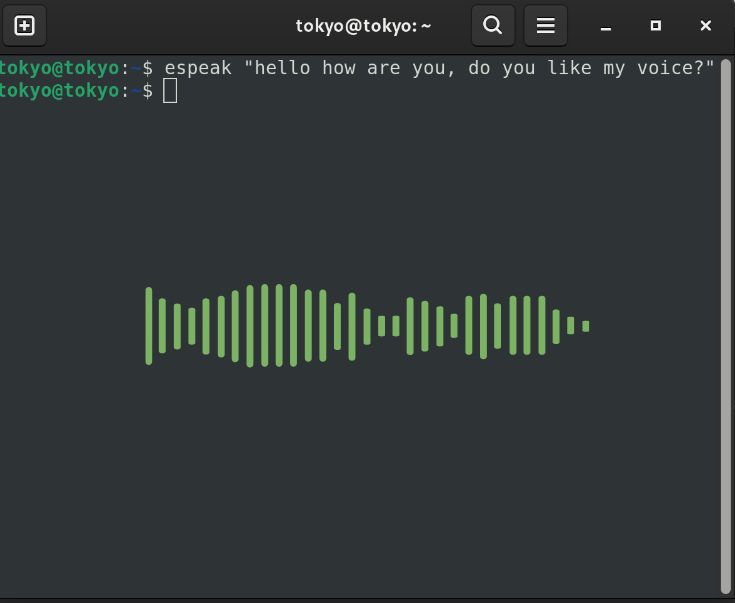
If you’re looking for a smooth, human-like AI voice, look elsewhere. eSpeak is all about that glorious, 1980s-style robotic crunch. It’s lightweight, fast, and perfect for system notifications or just making your computer sound like a sci-fi prop.
1. Installation
Most modern Linux distributions use espeak-ng (the “next generation” version), which is fully compatible with original eSpeak commands.
- Debian/Ubuntu/Mint:
sudo apt install espeak-ng - Fedora:
sudo dnf install espeak-ng - Arch:
sudo pacman -S espeak-ng
2. Basic Usage
To make your computer speak immediately, open your terminal and type:
Bash
espeak "Greetings, Professor Falken."
3. Customizing the Voice
The power of eSpeak lies in its flags. You can change how the “robot” feels by tweaking these three main variables:
Speed (-s)
The default is 175 words per minute.
- Slow:
espeak -s 120 "I am feeling relaxed." - Fast:
espeak -s 260 "I drank too much coffee."
Pitch (-p)
The default is 50. Range is 0–99.
- Deep:
espeak -p 20 "I am a deep-sea robot." - High:
espeak -p 80 "I am a tiny robot."
Gender and Voice (-v)
eSpeak uses “voice variants” to simulate different styles.
- Male:
-v en+m1(m1 to m7 available) - Female:
-v en+f2(f1 to f4 available) - Other: Try
+whisperor+croakfor extra character.
4. Language Swapping
eSpeak is surprisingly multilingual. Just change the language code after the -v flag.
- English:
espeak -v en "Hello there." - Spanish:
espeak -v es "Hola, ¿cómo estás?"
5. Quick Reference Examples
Copy and paste these into your terminal for instant results:
| Effect | Command |
| Classic Male (English) | espeak -v en+m3 -s 150 "System online." |
| High-pitched Female (Spanish) | espeak -v es+f2 -p 70 "Operación completada." |
| The “Ghost” | espeak -v en+whisper -s 100 "I am watching you." |
| Read from a File | espeak -f myfile.txt |
| Save to Audio File | espeak -w output.wav "This is a recording." |
Pro Tip: Pipe other commands into eSpeak for some fun automation. For example:
date | espeakwill make your computer read the current time aloud.